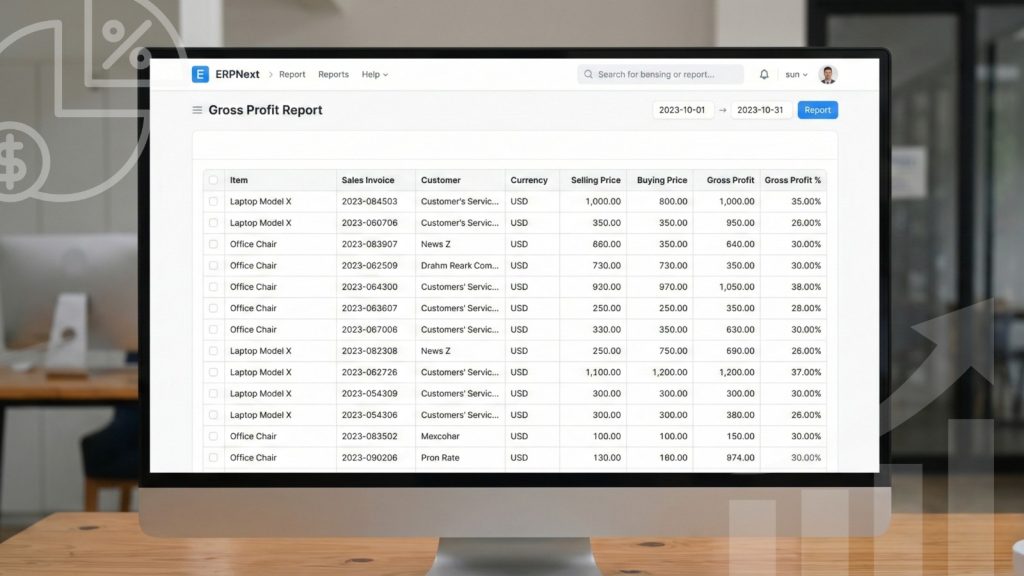
ERPnext offers a powerful report where you can check the gross profit amount and margin rates at transaction level. As a Business Owner, you are curious to know the Gross Profit you are making on day to day basis. Now you can check the GP for each Invoice, Item, Item-Group, Customer, Customer-Group, Project and Sales Person.
This helps in evaluating which item has high gross margins or which sales person is bringing you maximum GP or which customer or project is giving you maximum Gross Profit. The gross profit is calculated by deducting the buying amount or the valuation rate from the selling price of the item. As per the image shown below, you can check the Gross Profit for each sales invoice entered in the system.
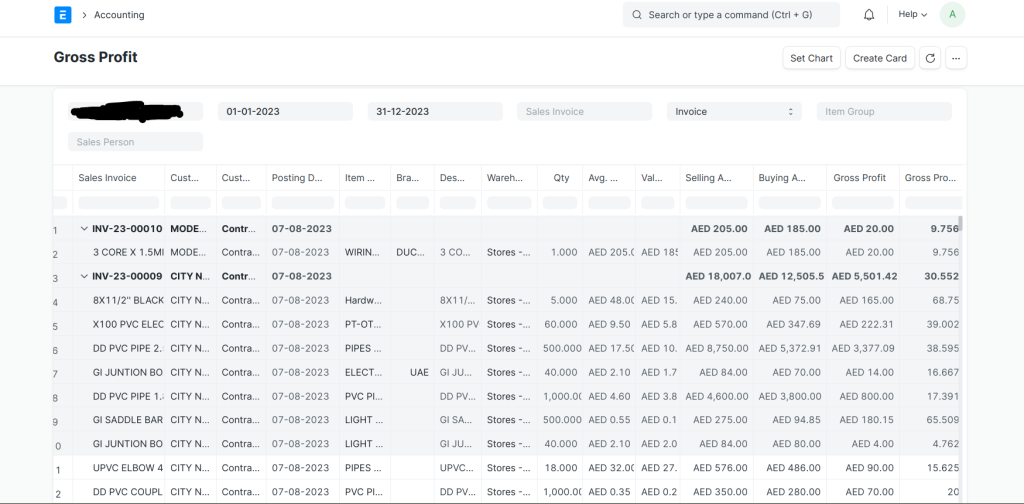
Gross Profit Report in ERPnext
Moreover, you can also see the Gross profit for each Item, Item Group, Customer, Project, Sales Person or Territory. This helps in understand the top performers using various grouping options in ERPNext. This feature especially helps trading companies to keep a check on the GP and maximum their profits.